
Fun Health & Wellness Tools for the Whole Family
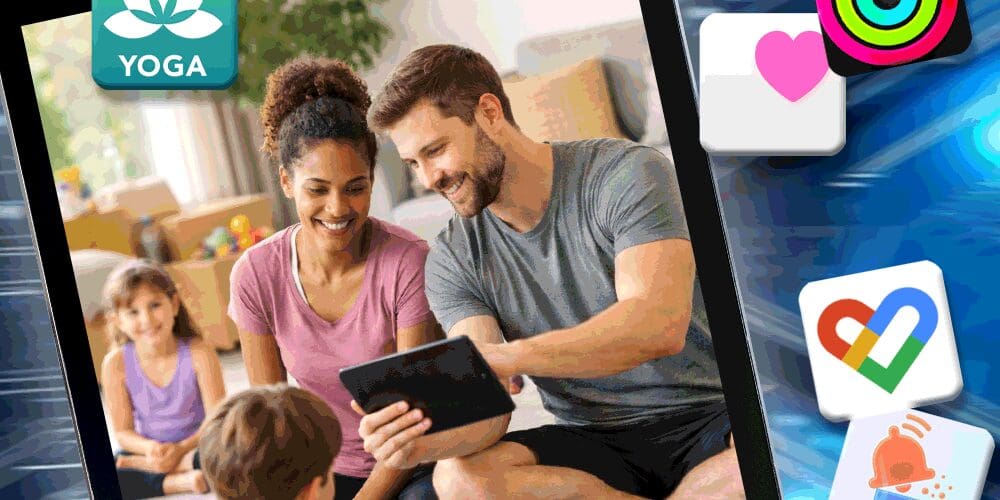
Simple Apps to Support Family Health
When life gets busy, parents’ own health and wellness often fall to the bottom of the list. The good news is that simple, easy-to-use apps can help your whole family stay active, track healthy habits, and make wellness part of everyday life.
When Health Gets Pushed Aside
As parents and caregivers, staying on top of our busy schedules, seemingly endless to-do lists, and making sure everyone is fed and safe each day can easily make us feel as if our physical (& mental) health needs get pushed to the bottom of the priority pile!
Our team understands and is constantly on the lookout for tools that are so easy to use that they fit into our lives without much extra effort, but provide the information we need to maintain our overall health and options for our kids to move their bodies.
Tools We Recommend
We have gathered a few of our favorite tools below along with a couple of new ones that we think you might like.
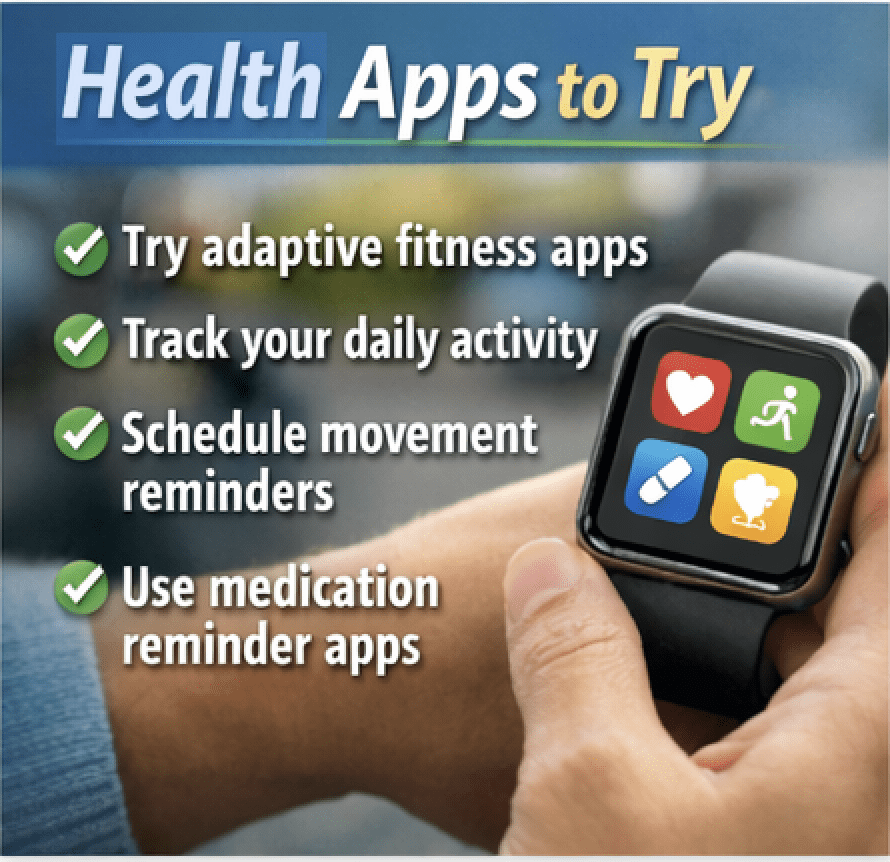
Read on to learn about a fun fitness app, how to track your activity during the day, and easy ways to manage medications for the whole family.
Bloom Fitness
Bloom Fitness is a completely FREE exercise app that was created for those with intellectual and development disabilities and is one of our favorites for users of all physical abilities.
It features a large library of activities called “Chair Fitness”, making it wheelchair user friendly, with all of the other types of fitness classes including an instructor seated in a chair demonstrating exercises alongside the instructor who is standing or working on the floor or mat.
The Bloom Fitness app offers live and pre-recorded fitness classes and include activities such as strength, dance, yoga, strength, cycle and Pilates.
Bloom Fitness even partners with agencies that serve individuals with Intellectual disabilities to provide in-person fitness classes. Visit their website at Bloom Fitness Partners to see if there is one in your area.
Yoga Studio: Stretch on the Go
Another user-friendly fitness app for the whole family is Yoga Studio: Stretch on the Go. It is a well-designed app that has been helping people of all ability levels fall in love with yoga since 2012!
It is free to download with a free trial period, then multiple levels of monthly or yearly subscription options based on the user’s needs.
Yoga Studio: Stretch on the Go features a library of yoga poses, providing full “how-to” descriptions of each, along with a calendar feature for scheduling and tracking classes, and the “classes” section with a large library of video yoga sessions.
The sessions range in ability and intensity level, area of focus, and length of time needed to complete making it a great app for users of all ability levels and ages.
Tracking Your Activity
If you and your family need a way to keep track of your progress after enjoying all of those fun, free Bloom Fitness classes or stretching with Yoga Studio, try a free app like Google Fit: Activity Tracker or Apple Fitness.
Google Fit: Activity Tracker often pre-installed on Android devices, but can be downloaded on Apple devices, while Apple Fitness typically comes pre-installed on Apple mobile devices.
Both apps offer the ability to sync with their partner watches and activity trackers, however, although they are beneficial for providing a more in-depth picture of your day’s progress, they can be quite pricey and are not necessary to enjoy the benefits of the apps.
These apps track number of steps and translate it to information like how many miles that equals, an estimate of calories burned, and more. These can all be great measures for people aiming to lose weight or just improve their overall physical and mental health by moving more each day.
They each provide feedback about progress in charts and graphs based on the user’s pre-set goals and will give reminders to get up and move if progress toward a goal is not being made if the user chooses.
Managing Overall Health
For tracking overall health measures like weight, nutrition, sleep, mental well-being, vitals, symptoms during illness or medication changes, and more, try an app like Apple Health.
This is another app that comes pre-installed in Apple devices and will automatically sync the data from Apple Fitness to show all of your progress in one place.
We love that Apple Health has a medication management feature to the app with customizable reminders to take medication, including the option to create a “nagging” reminder that will alert on a schedule (similar to hitting the snooze button) until the task of taking the medication is marked as completed.
Avoiding Overwhelm
Something to note when using these built-in apps like Google Fit: Activity Tracker, Apple Fitness, and Apple Health is that they often offer what can be an overwhelming number of features for many users.
We typically assist our clients in using these apps by helping them prioritize their goals and then pick and choose the features they need based on that, leaving the others to use (or not) at a later time.
Medication Reminder Options
If you are not an Apple user and do not have access to Apple Health for medication management, there are other options reviewed in our app database.
A couple of the newer apps for this purpose that we have discovered are EveryDose: Medication Reminder and Medication tracker & reminders.
Both of these apps are FREE and offer users the ability to schedule reminders for medications and adjust the frequency of notifications based on their preferences, making them be great tools for helping you and your loved ones stay on top of those tricky medication schedules.
*Item prices are current at the time of writing this article.
Bloom Fitness
Free
Yoga Studio: Stretch on the Go
Free• Offers In-App Purchases
Google Fit: Activity Tracker
Free
Apple Fitness
Free
Apple Health
FreeEveryDose: Medication Reminder
FreeMedication tracker & reminders
Free• Offers In-App Purchases**At the time of writing this article, the in-app purchase was the ability to “tip” the developer, who works on the app in his free time, but not required to use the app.




Check out BridgingApps App Search Tool to search for apps, create lists and even share them.
About Our Experts
BridgingApps, a program of Easter Seals Greater Houston, is a community of parents, therapists, doctors and teachers who share information about using mobile devices with people who have special needs.
Amy Fuchs is the Program Manager at BridgingApps and a former special education teacher. Amy Barry is the Digital Marketing Lead at BridgingApps and mother of five children.
Cristen Reat is co-founder of BridgingApps and a mother who found success when using a mobile device with her younger son who has multiple disabilities. We share a passion for using mobile technology to enhance the lives of people of all ages with disabilities.